EN
EN  VI
VI  ZH
ZH  PT
PT  ES
ES  JA
JA 


Have you ever been in this situation?
Just overnight, a series of Facebook, TikTok and Gmail accounts were hacked. checkpoint, lock, or disable en masse even though you are still following the farming procedure correctly?
The truth is – 99% error is not in the platform, but in the way we use the tool.
In this article, Gemlogin will help you identify 7 common mistakes that cause accounts to be locked when using tools, and effective ways to prevent them to optimize the safety of your account system.
1. Sharing fingerprints, IPs, or duplicate proxies
This is the leading cause of account lock that many people do not notice.
Both Facebook and TikTok track “browser fingerprints” – data about the device, IP, and browsing behavior.
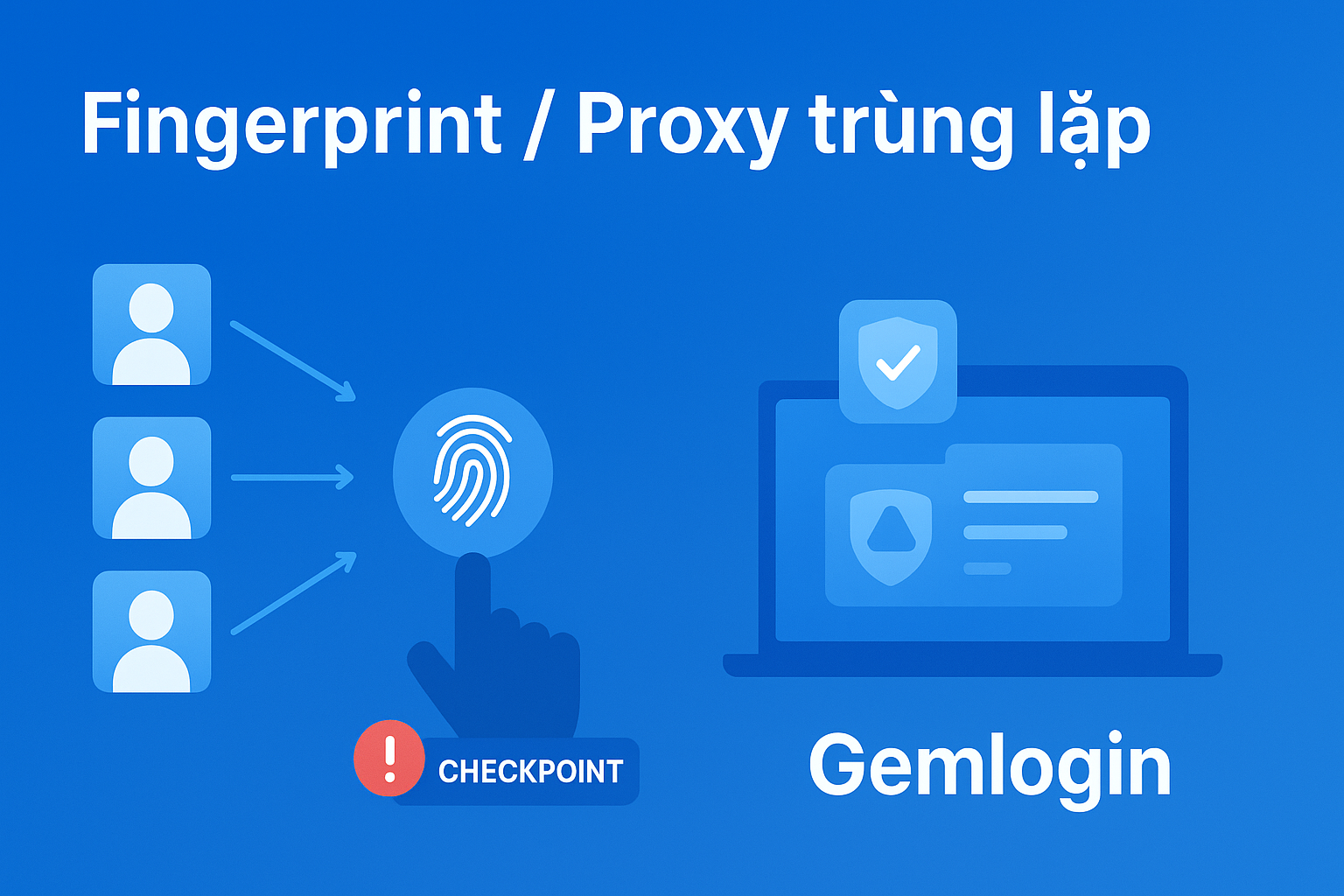
When multiple accounts log in with the same fingerprint or duplicate IP, the system will identify one user controlling multiple accounts → leading to checkpoint, temporary lock or disablement.
How to fix:
- Use Login to create separate browser environment for each account.
- Each profile has an independent fingerprint and proxy → no duplicate traces.
- Prefer clean proxy (Residential/ISP proxy).
2. Mass login in a short period of time
Another common mistake is logging into multiple accounts at once – especially when managing hundreds of accounts.
Platforms have automatic behavior detection systems: login with same IP, same device, within a short time frame → bot warning.
How to fix:
- Space out login times (5–10 minutes between sessions).
- Use Automation tool in Gemlogin to schedule natural login.
- Do not open too many profiles at the same time on one device.
3. The tool works too fast, without natural delay
Platforms that recognize “human behavior” rely on speed and randomness of operations.
If your tool clicks, scrolls, likes, comments within seconds → is considered a bot 100%.
How to fix:
- In Gemlogin, use Auto Script Delay Random feature.
- Create realistic behavior: scrolling through pages, pausing to read content, changing mouse position.
- Avoid repeating the same actions across multiple accounts.

4. Do not warm up the account before running the tool
This is the “classic sin” of many MMO newbies:
New account creation → run auto tool → checkpointed after 1-2 logins.
Facebook/TikTok needs time to authenticate real users.
If you auto too early, the system will understand that it is a fake account.
How to fix:
- Reserved 3–5 days of incubation: watch videos, like, share lightly, join groups, text naturally.
- After the account is "mature", use the automatic tool.
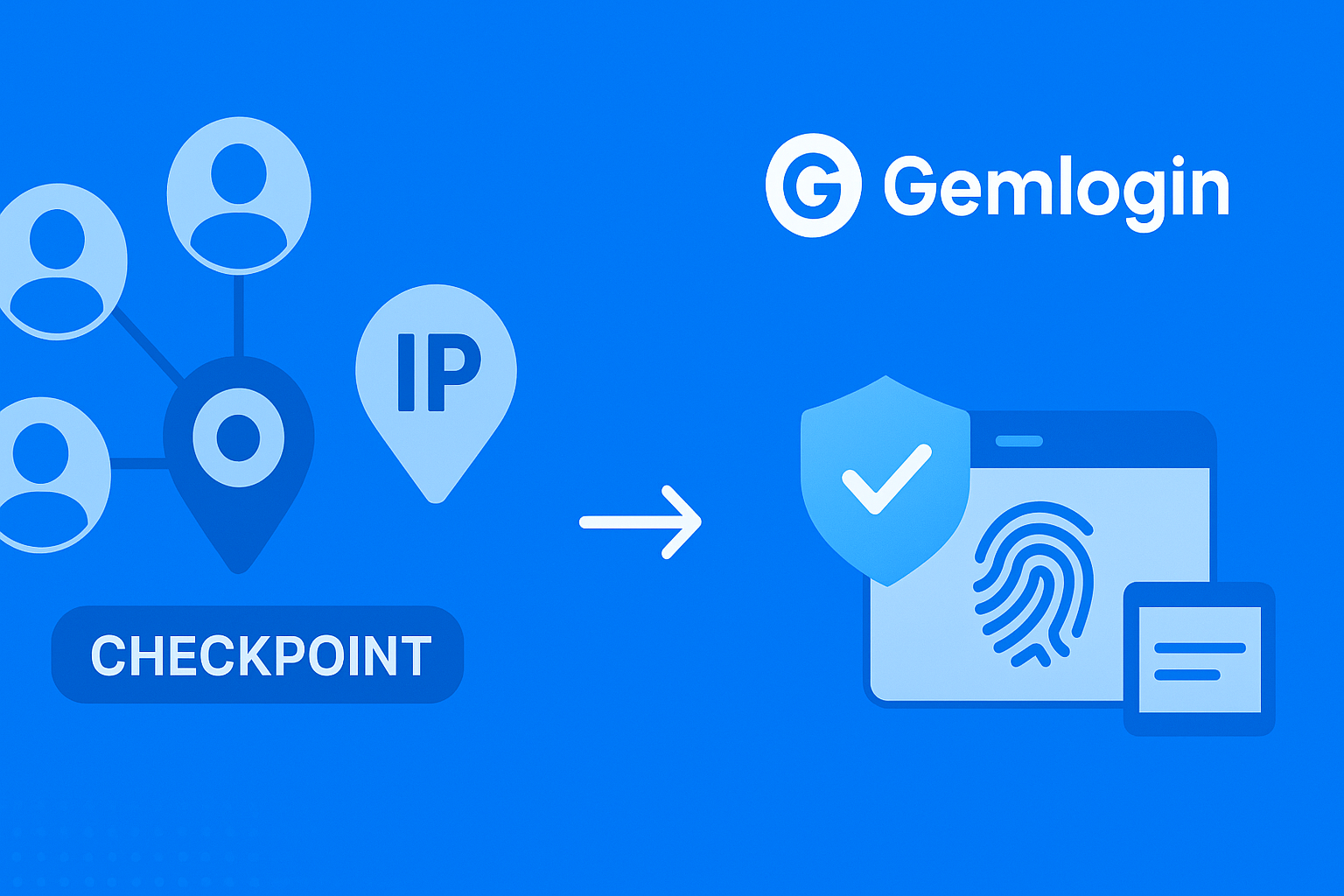
5. Use free proxies or get blacklisted
Many people are greedy for cheapness, choose free proxies or share them publicly.
But you don't know that these IPs are often marked as bad, used for spam, or have a history of being blocked → leading to your account "unfairly dead".
How to fix:
- Choose a clean proxy with Residential/ISP source.
- With Gemlogin, you can assign each proxy to a separate profile to avoid the risk of duplicate IPs.
6. Not updating outdated tools, APIs, or scripts
Facebook and Google regularly update their bot detection algorithms.
If you use old tool, API not updated → automatically detected.
How to fix:
- Monitor Store Gemlogin to use the latest script.
- Update software versions periodically.
- Test carefully on secondary accounts before applying to large numbers.
7. Sharing cookies and tokens between multiple accounts
Cookies or tokens help login quickly, but if you share them between multiple accounts → the system understands that the same person is accessing multiple accounts.
This is extremely dangerous signs leading to instant checkpoint.
How to fix:
- Save cookies and tokens separately for each Gemlogin profile.
- Do not share cookie/token files publicly.
- Use Gemlogin's “Auto save cookie” feature for secure management.
8. How to safely maintain an account with Gemlogin
Gemlogin is more than just Antidetect browser, which is Comprehensive management platform for MMO account owners.
Some features to help reduce the risk of account lock:
- Independent fingerprint for each profile.
- Proxy integration flexible
- Automation script natural human behavior
- Save cookies, auto login safe.
- Manage hundreds of accounts at the same time without duplicating data.
Conclude
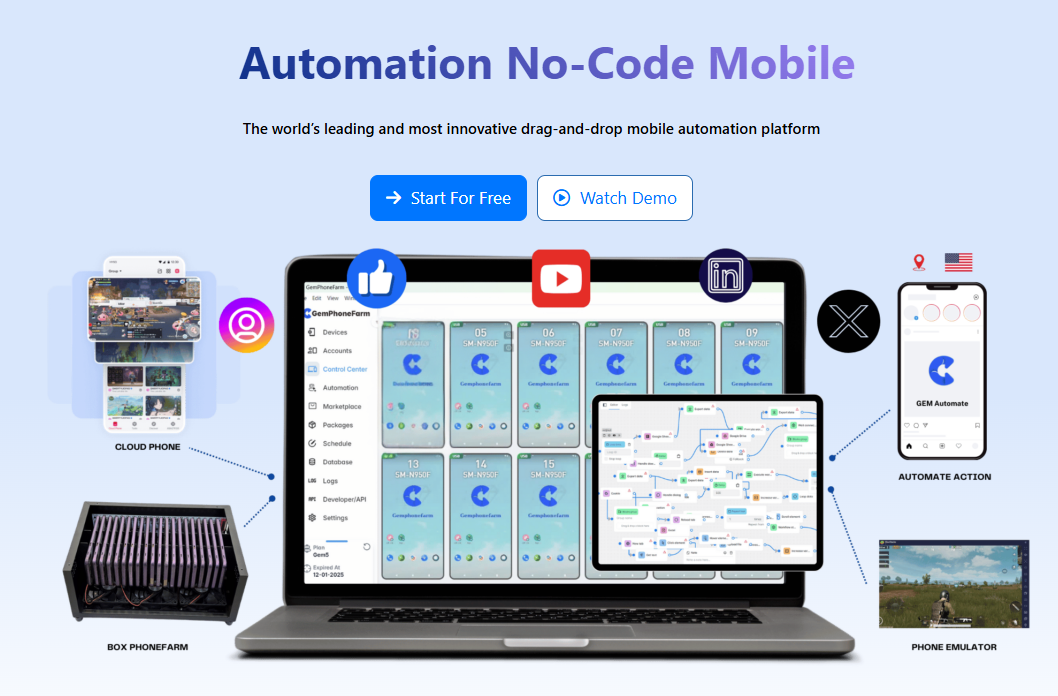
Accounts being locked when using tools to nurture accounts is no longer an “inevitable” thing – it can be completely prevented if the right measures are applied. First, avoid duplicate fingerprints and IPs between accounts to reduce the risk of being detected by the system; next, space out login times and simulate operations at a natural pace so that the behavior looks like a real person; always update tools and only use clean, reliable proxies to reduce technical errors and blacklist risks; finally, use Gemlogin to manage and separate the working environment, helping to control browser fingerprints and significantly reduce the possibility of account locking. If these principles are followed, the risk of being locked will be greatly reduced and account nurturing will be more sustainable.
Document: https://manual-gemlogin-vn.gitbook.io/gemlogin/tai-lieu-api/api
Website: gemlogin.vn